An insurance roof replacement can be the best-paying job on your board or the one that drags on for four months and closes short. The difference is rarely the roof. It is whether the office can see, at any moment, where the claim stands, what the carrier has approved, what is still owed, and who is supposed to do the next thing.
Retail jobs move in a straight line: estimate, proposal, signature, build, invoice. Insurance jobs branch. There is a homeowner, an adjuster, a carrier, a scope that changes after the roof is opened, and payments that arrive in pieces. This post walks through the stages of a typical storm claim job and what to track at each one so the job closes at the number it should.
Why insurance jobs leak money
Most of the money lost on claim work is not lost on the roof. It is lost in the gaps between people. A few patterns show up again and again:
- The adjuster's scope leaves out items the roof clearly needs (drip edge, starter, ice and water shield in valleys, code upgrades), and nobody files the supplement before the job is built.
- The depreciation holdback is never requested after completion, so the last check never comes.
- Photos that prove the damage or the extra work are on a rep's phone and not on the job.
- The crew builds to the retail habit, not to the approved scope, and the paperwork does not match what went on the roof.
- The job sits in a stage nobody owns because the next step is waiting on the carrier.
Each of these is a tracking problem before it is a roofing problem.
Stage 1: Lead and storm history
A claim job starts with a reason to believe there is damage. Before a rep climbs the roof, it helps to know whether hail or wind actually hit that address and when. A date of loss that lines up with a recorded storm makes the inspection and the claim conversation much cleaner.
On the job record, capture:
- The homeowner, the property address and the best way to reach them
- The storm event and likely date of loss
- Who referred the lead or which canvass it came from
- Whether the homeowner has already filed a claim
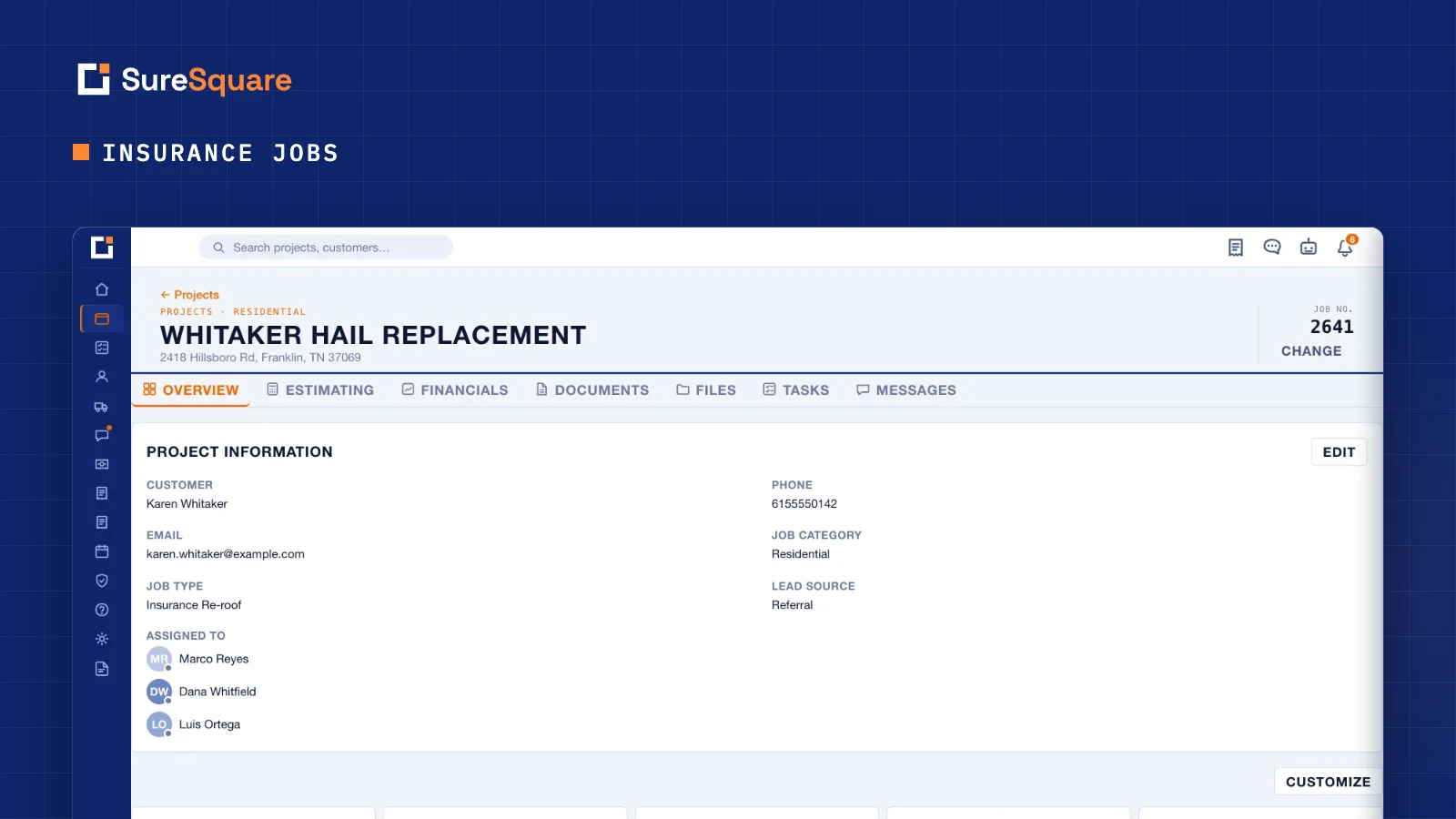
SureSquare CRM shows hail and wind history for the address on the job, so the rep is not guessing at the date. If you use job types, set up an insurance job type with its own fields so a claim captures carrier, claim number and adjuster details that a retail re-roof never needs.
Stage 2: Inspection and photos
The inspection is where most claims are won or lost. The adjuster will make a decision based on what they see and what you can show. Photos need to be organized enough that the office can pull them a month later without calling the rep.
A useful inspection set includes:
- Every slope, labeled, with a wide shot and close-ups of hits
- Soft metals: vents, gutters, downspouts, flashing, which often show hail better than shingles
- Collateral damage: siding, window wraps, fences, AC fins
- Existing conditions that affect scope: number of layers, decking, missing drip edge, valley type
- Pitch and height, which drive steep and high charges
The rule is simple: if it is not on the job, it does not exist when you need it. Whatever photo app your reps use, the photos should end up on the project, not in a camera roll.
Stage 3: Claim filed and adjuster meeting
Once the homeowner files, the job is waiting on someone outside your company. That is exactly when jobs go quiet. Give this stage an owner and a follow-up date.
Track on the job:
- Carrier, claim number and policy type if the homeowner shares it
- Adjuster name, phone and email
- Date and time of the adjuster meeting, and who from your side will attend
- A task to follow up if no scope arrives by a set date
A pipeline board with a stage for each of these steps lets the office see at a glance how many claims are waiting on an adjuster versus waiting on you. Those are different problems with different fixes.
Stage 4: Scope review and your estimate
When the carrier's scope arrives, compare it line by line against your own estimate of what the roof needs. Doing this from your own measurements is what lets you catch what is missing. Common gaps include:
- Squares too low for the waste a cut-up roof actually needs
- Starter strip and ridge cap missing or folded into the field shingle line
- Drip edge, ice and water shield or underlayment upgrades required by local code
- Step flashing, counter flashing and pipe jacks
- Steep charges on pitches over 7/12 and high charges on two-story slopes
- Removal of additional layers
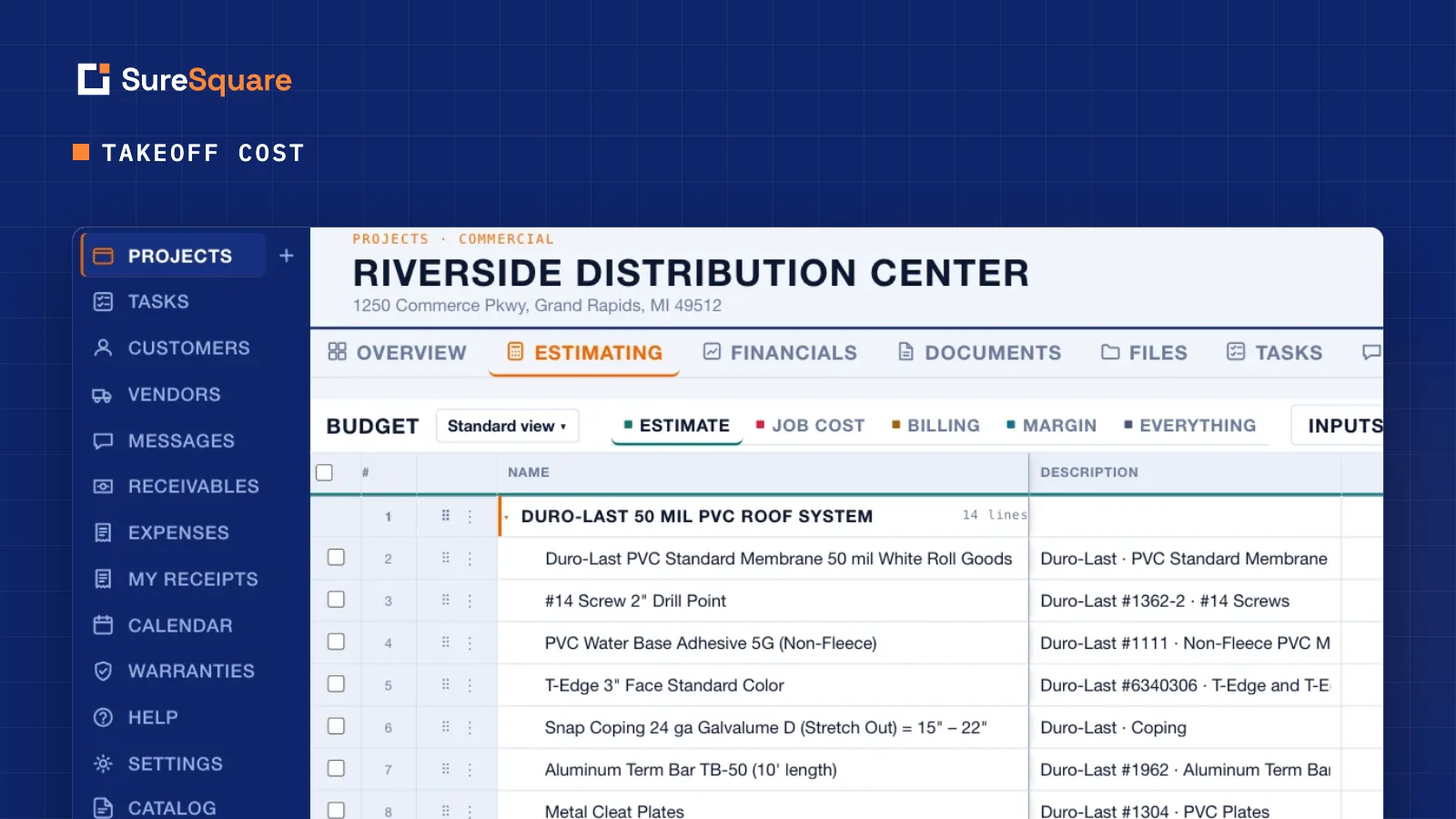
Your estimate should be priced on the same basis the carrier uses. SureSquare CRM prices estimates four ways: retail, insurance, commercial and repair. On an insurance job you build the estimate from formulas tied to the roof's measurements, so when the roof area or eave length changes, the shingles, underlayment, drip edge and ridge cap follow. That makes the comparison against the adjuster's scope a line-by-line exercise instead of a guess.
Stage 5: Supplements
A supplement is a request to the carrier for items that were missed or found after the original scope. Some are known before the build. Others show up when the tear-off reveals rotted decking or a second layer.
For each supplement, record:
- What was requested and why
- The dollar amount requested
- Supporting photos and measurements
- Date sent and to whom
- Status: sent, under review, approved, partially approved, denied
- The approved amount
A supplement tracker on the job keeps all of this in one place. The office manager should be able to answer "what is still out with the carrier on this job" without opening an email thread. SureSquare CRM includes a supplement tracker for exactly this.
Supplements found during the build are close cousins of change orders on retail work. If you want a refresher on documenting extra work so it gets paid, see how to get roofing change orders paid.
Stage 6: Contract, selections and scheduling
With the scope agreed, the homeowner signs. The proposal should reflect the approved scope, the homeowner's responsibility, and any upgrades they are paying for out of pocket. Keep upgrades clearly separate from the insurance scope so nobody confuses what the carrier is paying for with what the homeowner chose.
Before the crew is scheduled:
- Confirm shingle line and color in writing
- Confirm any upgrades and their price
- Make sure the crew sees the approved scope, not last month's retail habit
- Order materials against the approved quantities
E-signed proposals and customer selections that live on the job make it easy to show later exactly what the homeowner agreed to and when.
Stage 7: Build and completion documents
During the build, capture photos of anything that will support a supplement or prove completion: decking replaced, ice and water shield installed, new drip edge, flashing details. Many carriers want completion photos and a certificate of completion before releasing the depreciation holdback.
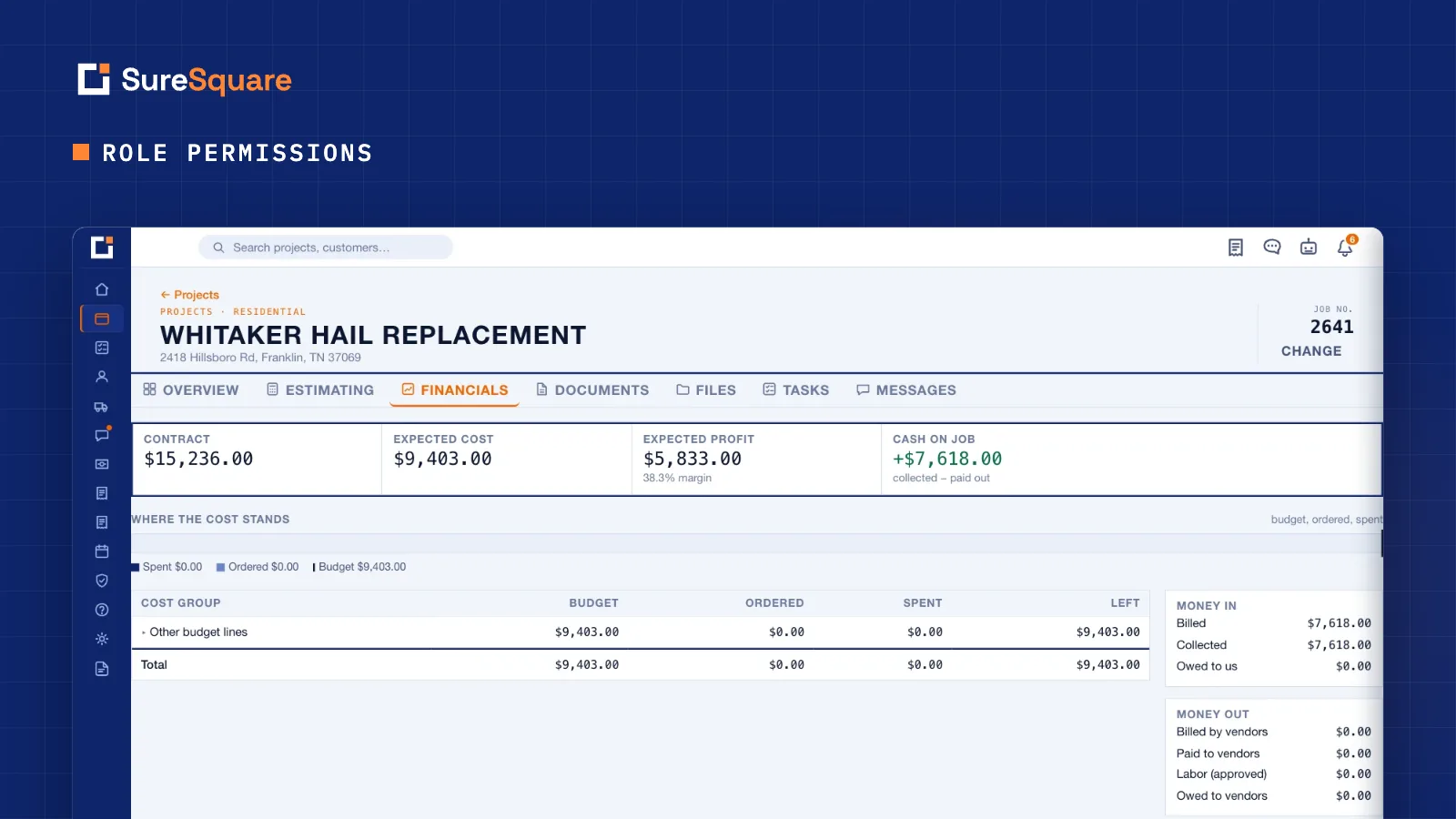
Your crew's time on site matters here too. When labor is tracked against the job, you know whether the claim was profitable after the fact, not just whether it got paid.
Stage 8: Depreciation and final payment
On many policies the first check covers the actual cash value, and the recoverable depreciation is released after the work is done and documented. This is the check that most often goes missing, because by now the crew has moved on and the job feels finished.
Keep these on the job until the balance is zero:
- Each payment received: who paid, how much, and what it was for
- Depreciation requested, date sent, amount
- Any supplement payments still outstanding
- The homeowner's deductible and any upgrade balance
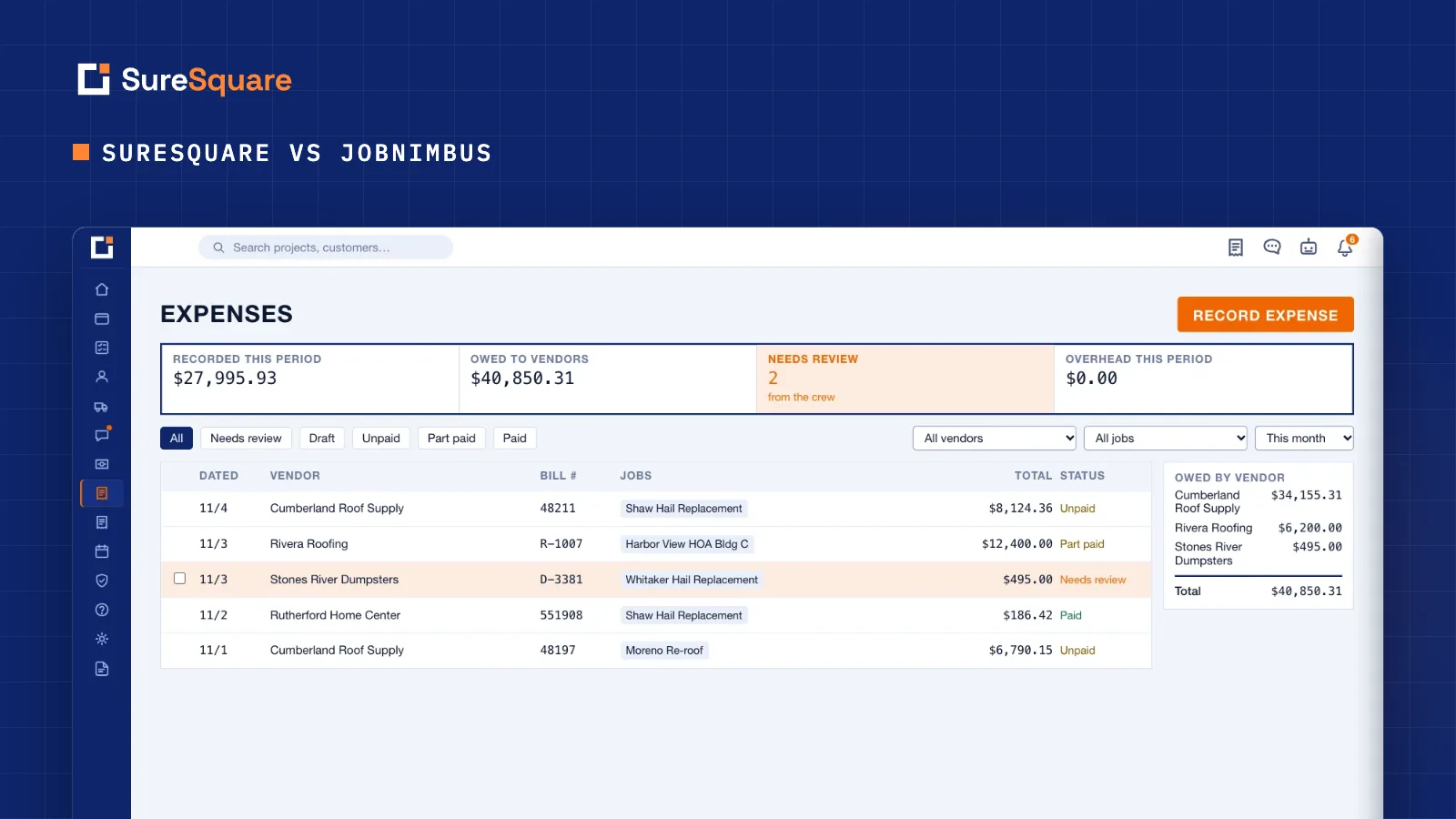
A receivables view that lists every job with money still owed, sorted by age, is the simplest way to stop depreciation from falling through the cracks. For more on that side of the office, see how roofing contractors get paid faster on invoices.
A simple stage list to start from
If you are setting up a board for claim work, these stages cover most storm jobs:
- New lead
- Inspection scheduled
- Claim filed
- Adjuster meeting
- Scope review
- Supplement pending
- Signed
- Scheduled
- Built
- Depreciation requested
- Paid in full
Rename and reorder them to fit how your company works. The point is that every job is always in exactly one stage, and every stage has someone responsible for moving it forward.
Running claim work in one place
Insurance jobs reward the contractor who can find the photo, the scope, the supplement and the payment history in under a minute. That is a systems problem more than a sales problem. SureSquare CRM keeps the pipeline, insurance pricing, supplement tracker, photos, signed proposals and receivables on the same job, so the office can see where every claim stands. Pricing is on the pricing page, and questions go to sales@suresquare.bid.