A foreman opens the job on his phone to check the start date and sees a $41,000 contract next to $24,000 in cost. By lunch the whole crew knows what the job makes, and by Friday someone is asking for a raise based on a number that leaves out overhead, insurance, the truck and the callback you ate last month.
That is a permissions problem, not a people problem. Most roofing companies run into it the day they put everyone in the same software. This post covers who needs to see what on a roofing job, where job numbers usually leak, and how to set roles so the right people see price, cost and margin and everyone else sees what they need to do the work.
Why margin is the number that causes trouble
Gross margin on a job looks like profit to anyone who has not run a company. A $17,000 spread on a two-day re-roof reads as $17,000 in the owner's pocket. It is not. That spread pays the office, the estimator, workers' comp, general liability, trucks, fuel, the yard, warranty work and every slow week in January.
When that number gets around without the context, a few things happen:
- Pay conversations get harder. Crews and subs measure their rate against a number that was never theirs to split.
- Subs reprice. A subcontractor who sees your contract price knows exactly how much room you have on the next job.
- Numbers reach customers. A cost figure mentioned on a roof ends up in a homeowner's kitchen, and now you are defending your markup on a signed contract.
- Salespeople anchor on it. A rep who sees every job's margin starts discounting to the floor instead of selling the scope.
None of this means the numbers should be a secret from the people who manage them. It means each role should see the numbers that role is responsible for.
What each role needs to do the job
Start from the work, not the org chart. Ask what a person has to see to do their part of a roof without calling the office.
Crews and foremen
A crew needs the address, the schedule, the scope of work, the material list with quantities, the photos, and the notes from the walk. They need to know it is 32 squares of architectural shingles in a named color, 180 LF of drip edge, two pipe boots and a chimney to reflash. They do not need the contract price, the material cost or what the job makes.
Sales reps
A rep needs the customer record, the estimate, the proposal and the selling price. Whether a rep sees cost and margin depends on how you pay. If commission is a share of gross profit, the rep has to see it. If commission is a percentage of contract price, many owners leave cost out and give reps a price book to sell from.
Estimators
Estimators need cost. They build the job from the catalog of materials and labor and they cannot price a roof without unit costs. Most companies let estimators see cost and margin on the estimate, since protecting that number is the job.
Production and project managers
A production manager runs budget against actual. That means the budget lines, committed material orders, vendor bills and labor cost. They usually need cost in full and often margin too, because they are the ones who can still do something about it while the job is open. If you want to see how that comparison works line by line, read our post on roofing job costing and budget vs actual.
Office and accounting
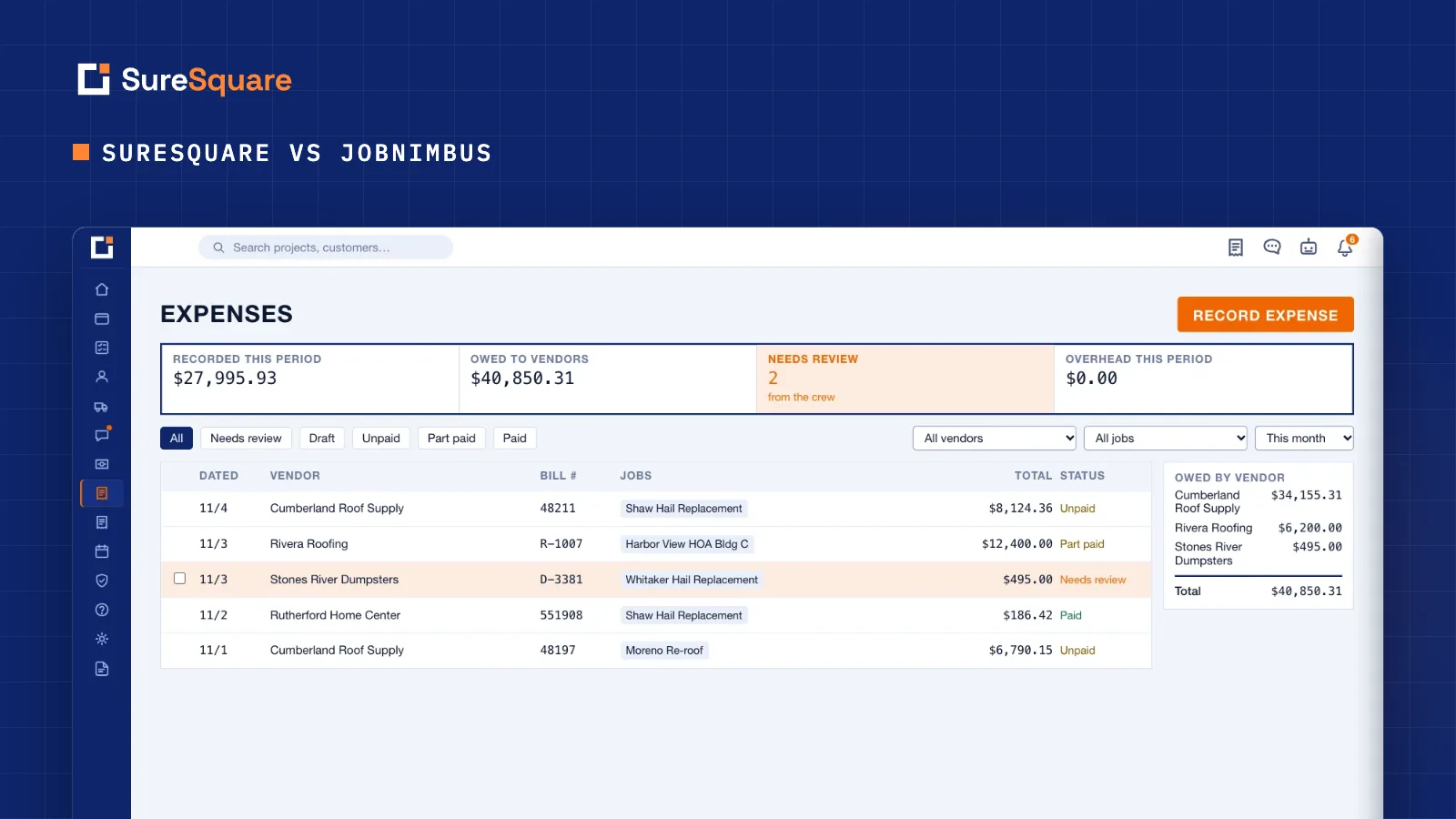
The office needs invoices, payments, vendor bills and what is still owed. They see contract price and cost because they enter and reconcile both.
Owners
Everything.
Where job numbers leak without anyone noticing
Turning off one financial tab is not enough. Price and cost show up all over a job, and one missed spot undoes the rest. Check each of these as the role you are restricting:
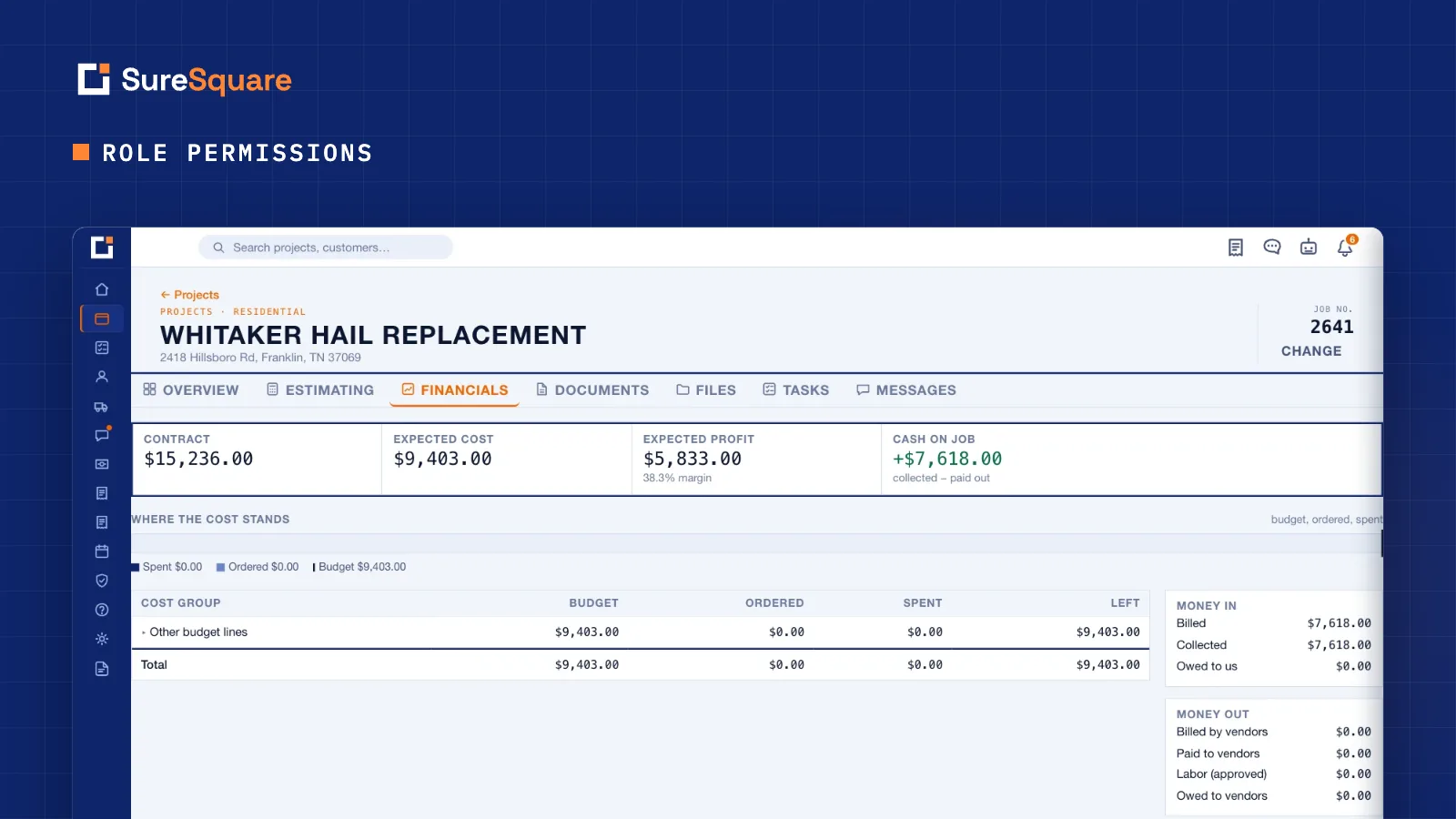
- The job overview. Summary cards often show contract value and margin at the top of the page.
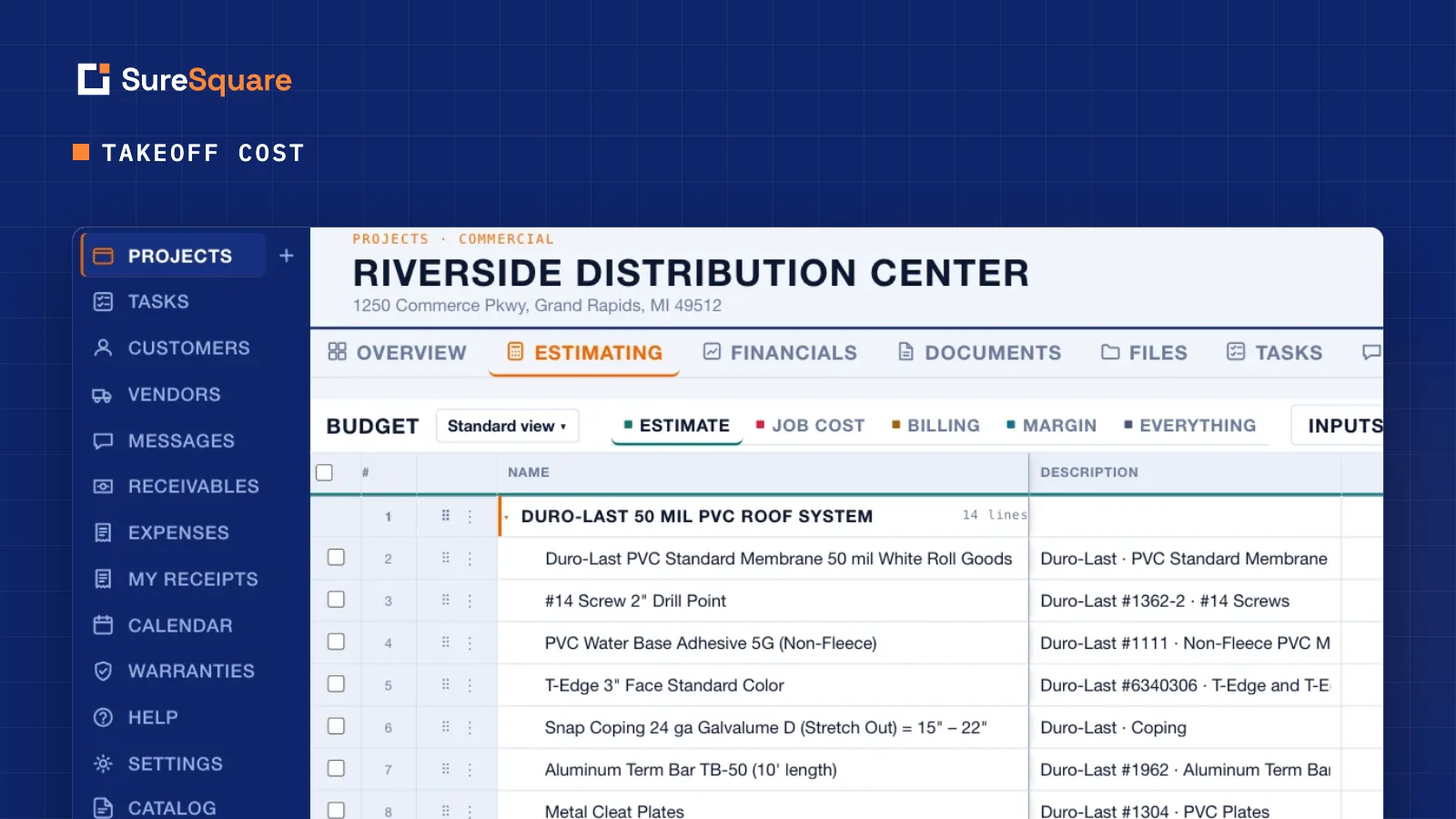
- The estimate. Unit cost and markup columns sit right beside the quantities a crew does need.
- Documents. A signed proposal or a vendor bill attached to the job carries the price in plain sight.
- Dashboards. A sales total or a margin widget on the home screen tells the story before anyone opens a job.
- Notifications and emails. A payment alert with a dollar amount can reach someone who was never supposed to see it.
- Exports and printouts. A material list printed for the truck with the cost column still on it.
- Shared logins. One office login used on the yard tablet gives the whole crew the owner's view.
The last one is the most common. If two people share a login, you do not have permissions. You have one role with two users.
How to set roles up
You do not need twenty roles. Most roofing companies need five or six, and a short afternoon to set them.
- List your roles first. Owner, office, estimator, sales, production, crew. Add subcontractor if subs log in. Write down what each one does on a job from first call to final invoice.
- Decide price, cost and margin separately. They are three different questions. A rep may need price without cost. A production manager may need cost without the contract total. Do not treat "financials" as one switch.
- Give every person their own login. Permissions follow the role, and the role follows the login.
- Test as the role. Sign in as a crew member and open a real job. Check the overview, the estimate, the documents and the home screen. What you see is what they see.
- Review when someone changes jobs. A foreman promoted to production manager needs a new role that day. A rep who leaves needs the login closed that day.
Write the result down in one page: role, what it sees, what it does not. When a new hire asks why they cannot see a number, you have an answer that is about the role and not about them.
Do not lock it down so far that work stops
The opposite mistake costs money too. If a foreman cannot see the material list, he calls the office from the roof. If production cannot see the budget, nobody catches the third dumpster until the bill arrives. If a rep cannot see the signed proposal, he cannot answer a customer's question about what was sold.
The test is simple. Can each person do their part of the job without asking someone to read them a screen? If not, the role is too tight. Hide the money, not the work.
How SureSquare CRM handles it
In SureSquare CRM, permissions are set by role and editable by group. Owners and managers see contract price, cost and margin. Crews see the scope, the schedule and the materials, and nothing about what the job makes. Margin is shown only to the roles you choose, and dashboards are set by role, so the home screen follows the same rules as the job.
That sits on top of the rest of the job: pipeline boards, estimates priced retail, insurance, commercial or repair, e-signed proposals, crew scheduling and a customer portal. Introductory pricing is $149 a month base plus $18 per user, billed annually. Because each user is priced on their own, there is little reason to share a login, which is where most leaks start. The full breakdown is on the pricing page.
Whatever software you run, spend an hour this week signed in as your newest crew member. If you can see what the job makes, so can they. Questions about how roles work in SureSquare can go to sales@suresquare.bid.