A lead can come in at 7:15 a.m. from a storm homeowner, a property manager with a low-slope reroof, or a GC sending plans with a bid due Friday. If that lead lands in one inbox, the measurements sit in another system, and the estimate lives on somebody's laptop, the job is already harder to win. Roofing lead management software puts the work in order before loose handoffs turn into missed follow-ups, slow bids, and margin pressure.
For roofing contractors, lead management is not just a sales function. It is the starting point for estimating, scope control, production planning, customer communication, and cash flow. The right system needs to reflect how a roofing job actually moves - from first contact through signed proposal, crew scheduling, invoices, and closeout.
What Roofing Lead Management Software Should Control
Generic CRM platforms can record a name, phone number, and sales note. That is useful, but it is not enough when the lead becomes a job with multiple roof sections, pitch per facet, penetrations, material selections, supplements, and field labor to coordinate.
Roofing-focused software should give each lead a single job record. The sales rep should see where the opportunity sits in the pipeline, the estimator should see the documents and scope details, and the operations team should see what has been sold and what is ready to schedule. Nobody should need to ask which version of the proposal is current.
At a minimum, the system should track lead source, contact information, property details, assigned owner, pipeline stage, next action, notes, files, estimates, proposals, and communication history. Once the job is won, that same record should carry forward into production instead of being rebuilt in a separate spreadsheet or project board.
That continuity matters. Re-entering job information creates small errors that become expensive later: a wrong address, an old material choice, an excluded gutter line item that gets treated as included, or a proposal total that does not match the approved scope.
Build a Pipeline Around Roofing Work
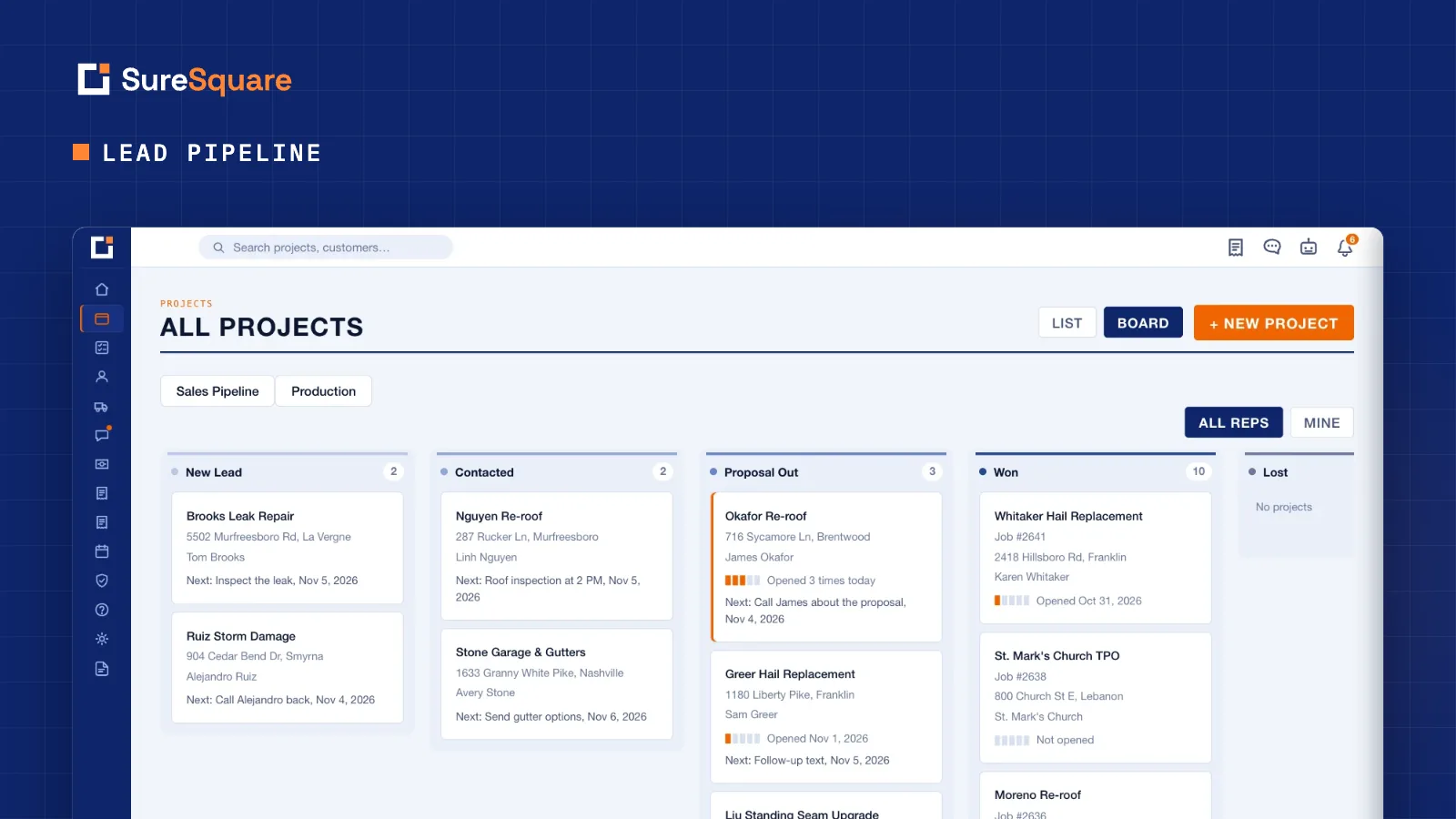
A useful pipeline tells your team what to do next. It should not be a decorative board full of colored cards.
For a residential contractor, stages may include new lead, inspection scheduled, inspection complete, estimate in progress, proposal sent, follow-up, sold, lost, and production ready. A commercial roofing contractor may need additional stages for plans received, takeoff requested, scope review, bid submitted, clarification, award pending, and contract received.
The labels matter less than the handoffs. Each stage should have a clear owner and an expected action. When a lead moves to estimate in progress, for example, the system should show whether plans were uploaded, whether field measurements are needed, and who is responsible for the quantities. When a proposal is sent, it should automatically create a follow-up date rather than relying on a rep's memory.
Do not overbuild the pipeline. Ten or twelve stages can work for a large commercial operation, but a small residential team may lose discipline if every job requires too many clicks. Start with the stages that change responsibility, customer status, or revenue forecast. Add complexity only where it prevents a real operational problem.
Treat Speed to Contact as an Operating Standard
New leads cool off fast, especially after a storm. A homeowner who fills out three forms may choose the first contractor who calls back with a credible next step. A commercial prospect may be comparing whether bidders can respond within the bid window.
Set a standard for first response and put it in the workflow. New web inquiries should be assigned immediately. Calls and emails should be logged to the lead record. If a salesperson cannot reach the contact, the next attempt needs a date and a reason, not a vague note saying “follow up later.”
This is where software earns its keep. Reminders, assigned tasks, and visible activity history make it much harder for a viable opportunity to disappear after the initial call.
Connect Lead Intake to Accurate Estimating
A roofing lead is only as valuable as the scope your team can price with confidence. For simple repairs, a field inspection may be enough. For large residential, multifamily, or commercial jobs, plan-based quantities and detailed measurement reports can keep the estimator from spending hours tracing roof areas and LF manually.
The lead record should hold the documents that drive the estimate: plan sets, aerial imagery where applicable, photos, inspection notes, specifications, addenda, and customer requirements. The estimator should not have to chase attachments through text messages and email threads.
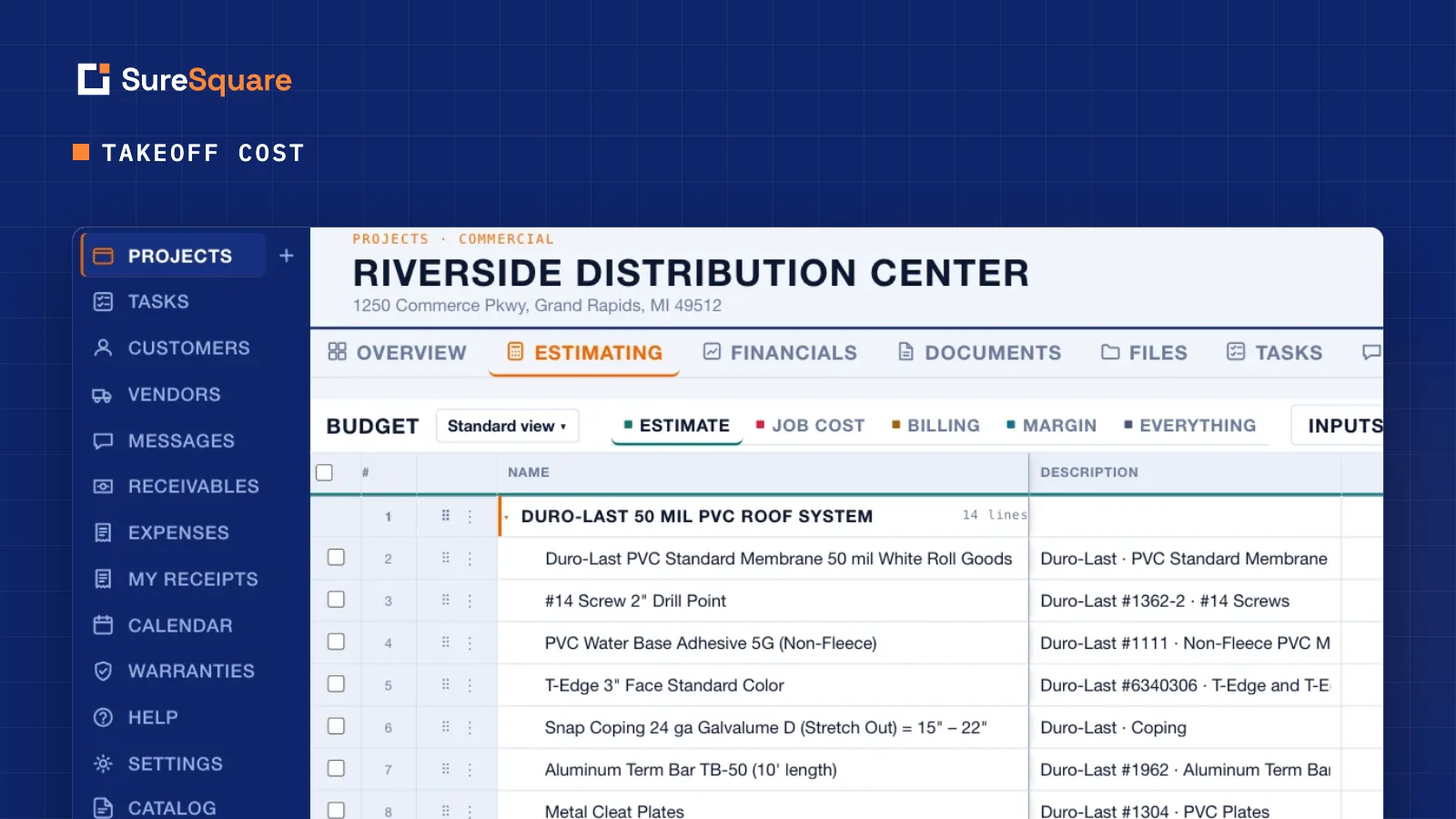
It also needs room for roofing-specific scope information. That includes roof area by section, SQ, pitch per facet, ridges, hips, valleys, eaves, rakes, perimeters, drains, curbs, penetrations, insulation, taper systems, and waste factors. Not every lead needs every field. A steep-slope replacement and a low-slope recover should not be forced into the same estimating template.
When outside measurement support is needed, the process should be simple: upload the plans, receive a human-reviewed quantity report, and attach the PDF or CSV directly to the opportunity. SureSquare supports that workflow with U.S.-based human estimators and a roofing CRM that can be purchased independently, so contractors can use the service that fits their operation.
The trade-off is worth recognizing. Software can organize the estimate process, but it cannot replace judgment on scope gaps, access constraints, code requirements, material availability, or whether the plans reflect field conditions. Your workflow should make those exceptions visible before a proposal goes out.
Make Proposals and Follow-Up Part of the Same Record
A proposal sent without a follow-up plan is not a sales process. It is a document delivery.
Roofing lead management software should let the team build estimates using the right method for the job, turn approved pricing into a professional proposal, and track when the customer has received or signed it. E-signatures reduce the lag between verbal approval and a usable contract, particularly when an owner is traveling or a property manager needs internal signoff.
Keep proposal revisions in the job record. If the customer changes shingle color, adds gutter replacement, removes a detached structure, or requests an alternate system, the team needs a clear trail of what changed and why. That protects both the sales rep and the production team.
Follow-up should be specific. A residential lead may need a call two days after the proposal and another contact before the insurance decision date. A commercial bid may require a check-in after the bid opening, then a separate task for scope clarifications. Different sales cycles need different rhythms, but neither should depend on sticky notes.
Carry Won Work Into Production Without Reentry
The handoff from sales to operations is where many roofing companies lose control. Sales says the job is sold. Production receives an email, a marked-up proposal, and a phone call. The crew arrives without a complete scope. Then the office is answering questions that should have been settled before the material order.
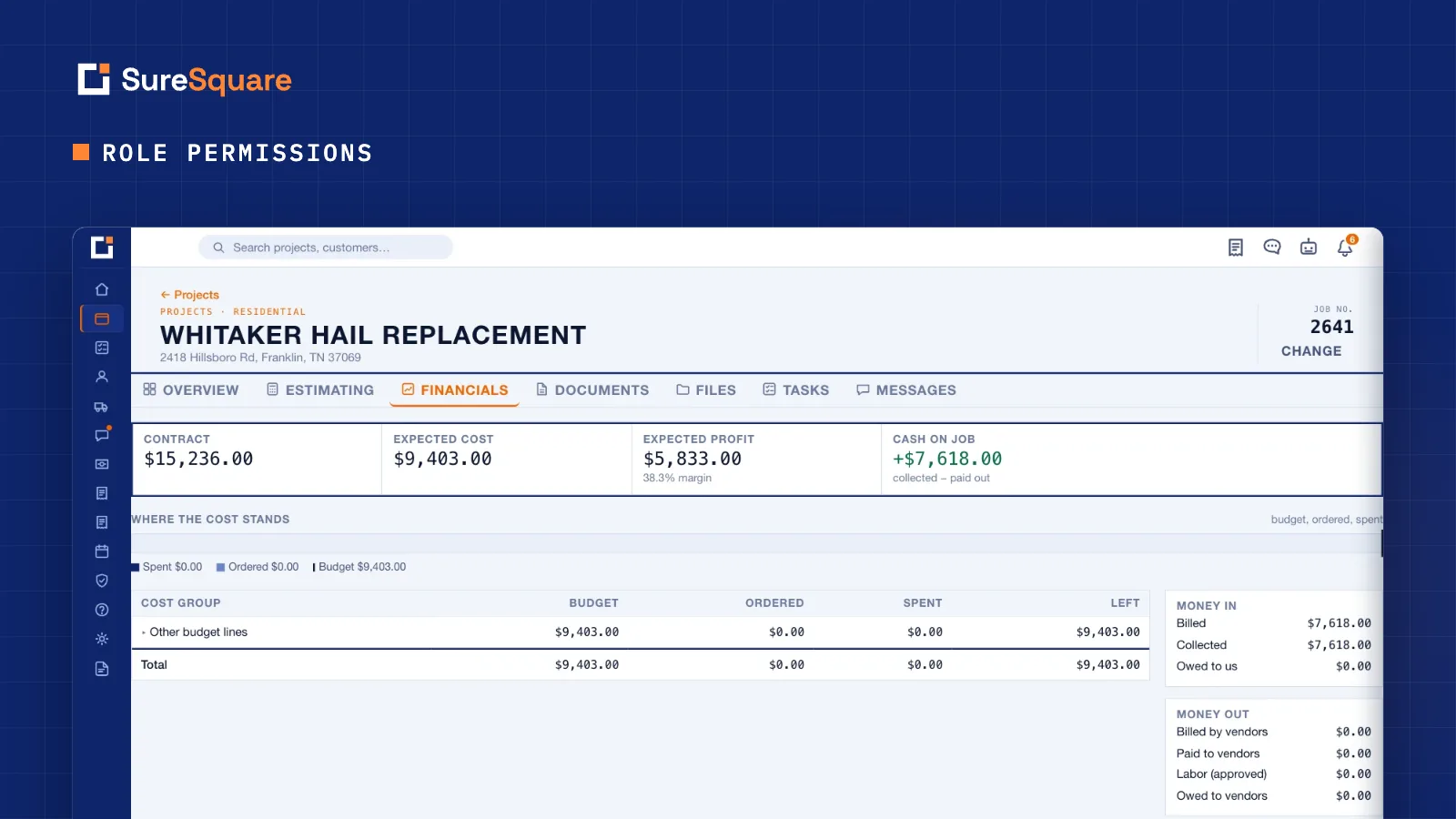
When a lead is marked sold, the software should convert it into an operational job with the approved proposal, customer contacts, notes, documents, schedule requirements, and assigned team members intact. Production can then schedule crews, track GPS timesheets, manage invoices, and keep customer updates tied to the same record.
That does not mean every lead note belongs in the crew's view. Good permissions matter. Sales compensation details, internal margin notes, and sensitive negotiation records may need to stay limited to office staff. The field team needs the approved scope, access instructions, safety requirements, photos, and customer contact protocol - not every internal discussion.
How to Choose Roofing Lead Management Software
Before comparing features, map your current path from first inquiry to final payment. Ask where leads wait, where information gets copied, where estimates are delayed, and where production discovers a surprise. Those points should drive the buying decision.
Look for a system that handles the work your team does most often, not the workflow shown in a generic demo. If commercial bids are a major revenue source, document storage, plan-driven estimates, bid stages, and detailed scope tracking deserve priority. If you run high-volume residential replacement work, fast intake, mobile access, proposal speed, scheduling, and customer communication may matter more.
Also test adoption before committing. Can an estimator find the latest plan set in seconds? Can a salesperson see every open follow-up for the week? Can an operations manager tell which sold jobs are ready to schedule? If the answer requires exporting reports or asking three people, the system is adding another layer instead of removing friction.
The best setup is not the one with the most fields. It is the one your team uses every day because it makes the next action obvious. Start by tightening the handoff that costs you the most time right now, then build from there.