A crew standing by because materials are not on site is expensive. So is sending a three-man repair crew to a job that needs six installers, or promising a homeowner a start date before the permit clears. Roofing crew scheduling software gives the operations team one working schedule for labor, jobs, weather shifts, and customer commitments - not a mix of whiteboards, text chains, and memory.
For most roofing contractors, scheduling is not a calendar problem. It is a handoff problem. The estimate has the right SQ, pitch per facet, waste factors, and material quantities, but the field team gets incomplete job details. Sales books a start date before operations confirms capacity. A crew changes plans at 6:30 a.m., and the customer, supplier, and office hear three different versions.
The right system closes those gaps without forcing your team into a generic workflow that does not match roofing work.
What Roofing Crew Scheduling Software Should Control
A useful scheduling tool starts with the job record, not an empty calendar. Each scheduled job should carry the information the production team needs to make a decision: address, scope, assigned crew, planned start and finish dates, material status, job notes, customer contact details, and current pipeline stage.
For residential steep-slope work, that may also include roof area, number of layers, pitch, valleys, penetrations, decking allowance, and disposal requirements. For commercial low-slope or flat-roof jobs, the team may need the roof system, tear-off area, drain and penetration counts, perimeter LF, staging requirements, and phasing notes. The schedule does not need to replace the estimate. It needs to put the field-critical facts in front of the person assigning labor.
The best setup also distinguishes between a job that is sold, a job that is ready, and a job that is actually scheduled. Those are different statuses. A signed proposal does not mean materials have been ordered. A material delivery date does not mean the crew is available. Treating all three as the same creates the preventable production problems that eat margin.
The schedule needs to reflect real crew capacity
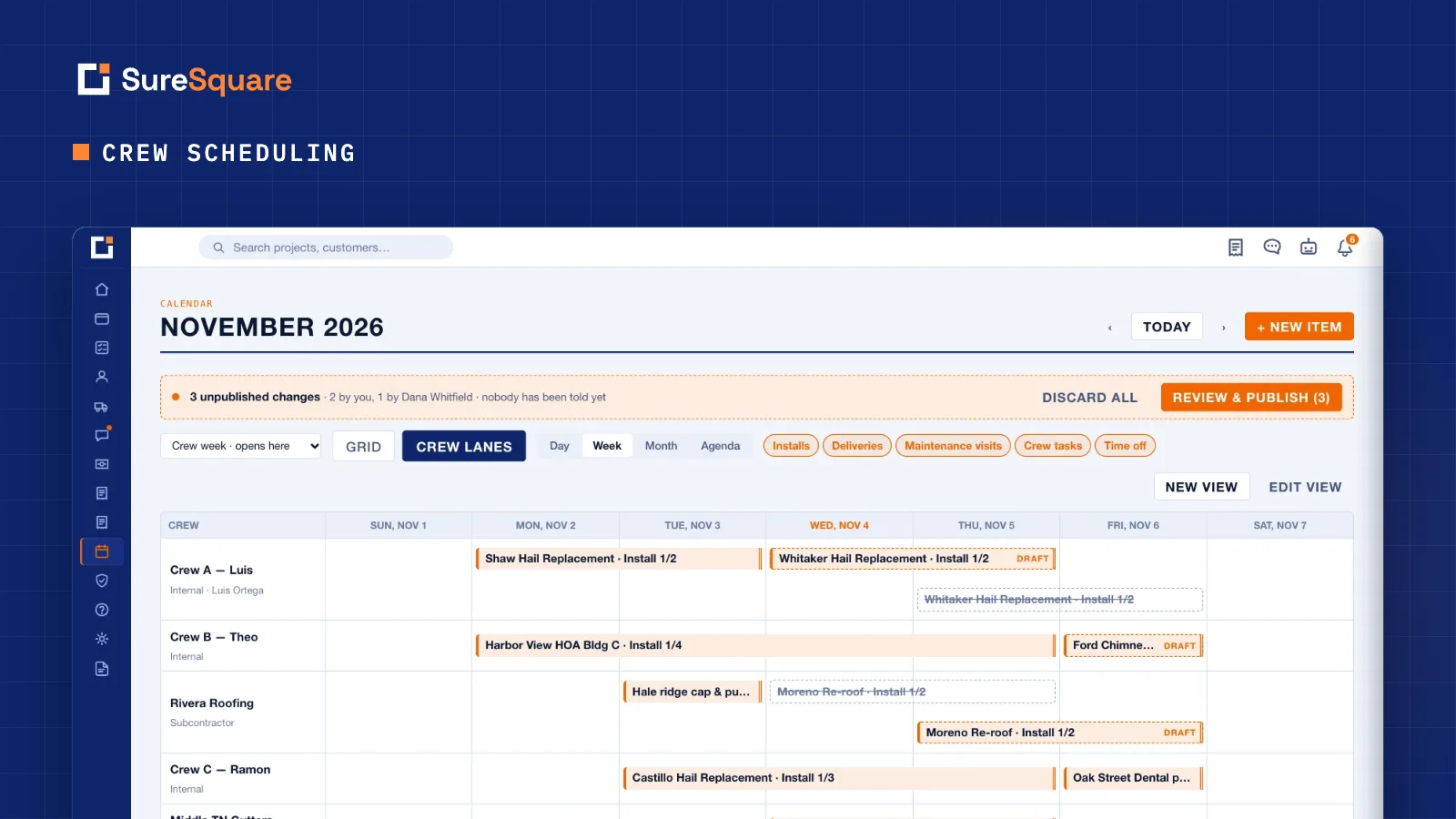
Crew names on a calendar are not enough. Your scheduler needs to know what each crew can handle. A foreman who runs shingle reroofs may not be the right fit for a standing seam detail package. A commercial crew may be available on paper but tied up with a multi-day dry-in or an occupied-building work restriction.
Build crew profiles around practical constraints: trade capability, normal crew size, service area, equipment needs, and current workload. Then schedule the job based on production reality, not the number of open boxes on a screen.
This matters when weather disrupts the week. If Tuesday's tear-off moves to Thursday, the impact should be visible immediately. The operations team can see which jobs need to slide, which customers require an update, and whether labor can be reassigned to a repair, punch-list, or prep task.
Build the Workflow Before You Build the Calendar
Software will not fix a scheduling process that has no clear ownership. Before moving jobs into a system, decide who controls each handoff and what must be true before a job can move forward.
A practical production flow often runs from lead to estimate, signed proposal, material order, ready to schedule, scheduled, in progress, completed, and invoiced. The exact stages depend on your operation. A restoration contractor may need insurance approval and supplement stages. A commercial contractor may need submittals, mobilization, and closeout stages. The point is to make the schedule part of the job workflow, not a separate tool that someone updates after the fact.
Set a minimum-ready standard for every scheduled job. For example, a job cannot move to the production board until the contract is signed, the scope is reviewed, colors are confirmed, materials are ordered, and any needed permit or HOA approval is accounted for. You may allow exceptions for emergency repairs, but they should be visible as exceptions.
This protects both customer expectations and crew time. It also gives sales a clean answer when a customer asks for a start date: the date is based on production readiness, not a verbal guess.
Keep the estimate connected to production
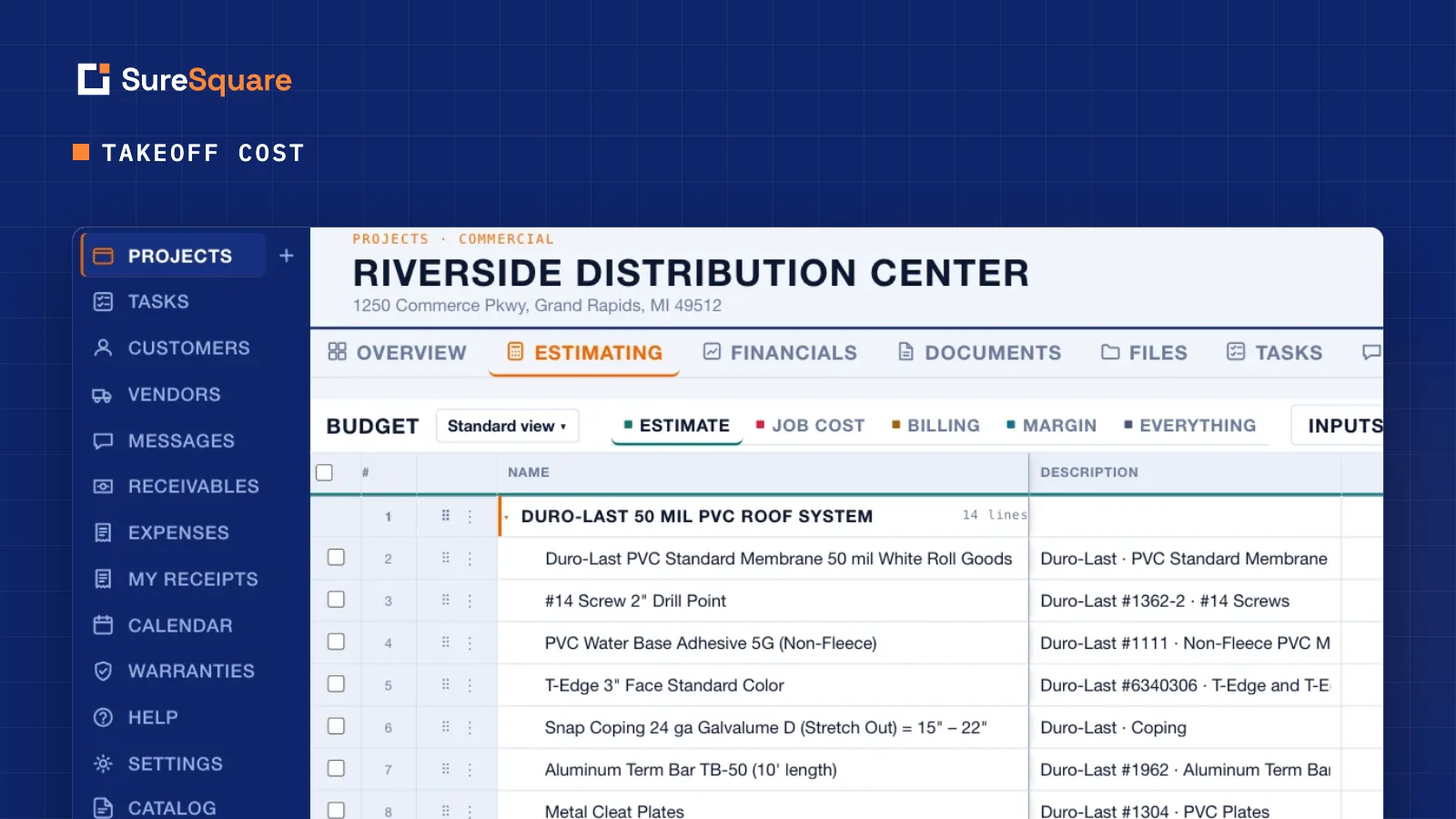
Estimating and scheduling should not operate in separate silos. If the production team cannot see the approved scope, they may order wrong, under-allocate labor, or discover a critical detail after tear-off.
The connection does not require every estimator to become a scheduler. It requires the schedule to pull from a reliable job record. Approved estimates, selections, documents, and notes should stay with the job as it moves into production.
That is especially valuable when there is a scope change. If an inspector finds damaged decking or the crew uncovers additional layers, the office needs a documented path from field finding to customer approval, revised estimate, and updated invoice. A scheduling platform that tracks only dates will not solve that operational issue.
Use Mobile Updates Without Turning Crews Into Data Clerks
Field adoption is where many scheduling tools fail. Crews will use a mobile system if it gives them what they need before they leave the yard: job location, scope, contacts, assigned work, photos, and clear start instructions. They will resist it if every update requires five screens and duplicate entry.
Keep required field actions tight. A foreman should be able to confirm arrival, record crew time, add a jobsite photo, flag an issue, and mark the job complete or needing follow-up. GPS timesheets can help verify labor and simplify payroll review, but only when the policy is straightforward and crews understand how time is recorded.
Use notifications selectively. A scheduler may need an alert when a crew checks in late or flags a material shortage. A customer may need a message when the start date changes. The crew does not need a notification every time someone edits an internal note. Too many alerts teach people to ignore the system.
Measure the Scheduling Problems That Cost You Money
Do not judge roofing crew scheduling software by how polished the calendar looks. Judge it by whether it improves production decisions. Start with a few measurements your team can review weekly.
Track scheduled versus actual start dates, jobs delayed for missing materials, labor hours by job, crew utilization, weather-related reschedules, and callbacks or punch-list visits. If you use GPS timesheets, compare estimated labor against actual field time. Over several weeks, patterns become clear. A particular job type may be consistently under-budgeted. One crew may be overloaded. A supplier delivery window may be causing avoidable idle time.
There is a trade-off here. More data creates more visibility, but only if someone uses it. A small residential contractor may get meaningful results from scheduled dates, crew assignments, and actual labor hours. A larger commercial operation may need labor codes, phases, equipment tracking, and detailed reporting. Buy for the decisions your team needs to make now, with room to grow.
What to Look for When Choosing a System
Avoid evaluating scheduling software as a stand-alone calendar. Ask whether it connects to the work already happening in your office and field. Can it move a signed proposal into production? Can the scheduler see job documents without chasing attachments? Can crews clock time from the jobsite? Can the office notify customers when weather changes the plan? Can invoices and customer communication stay attached to the same job record?
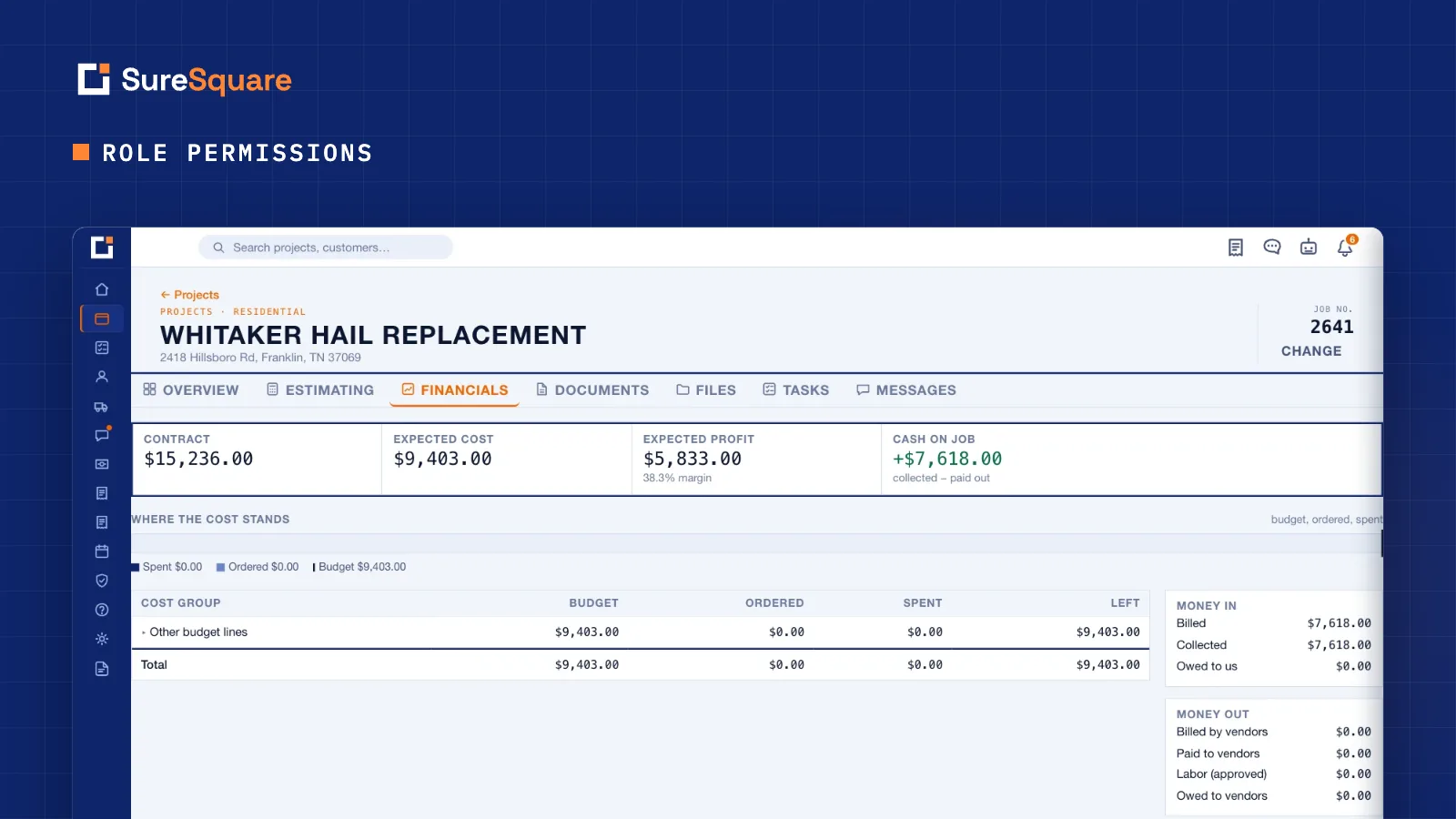
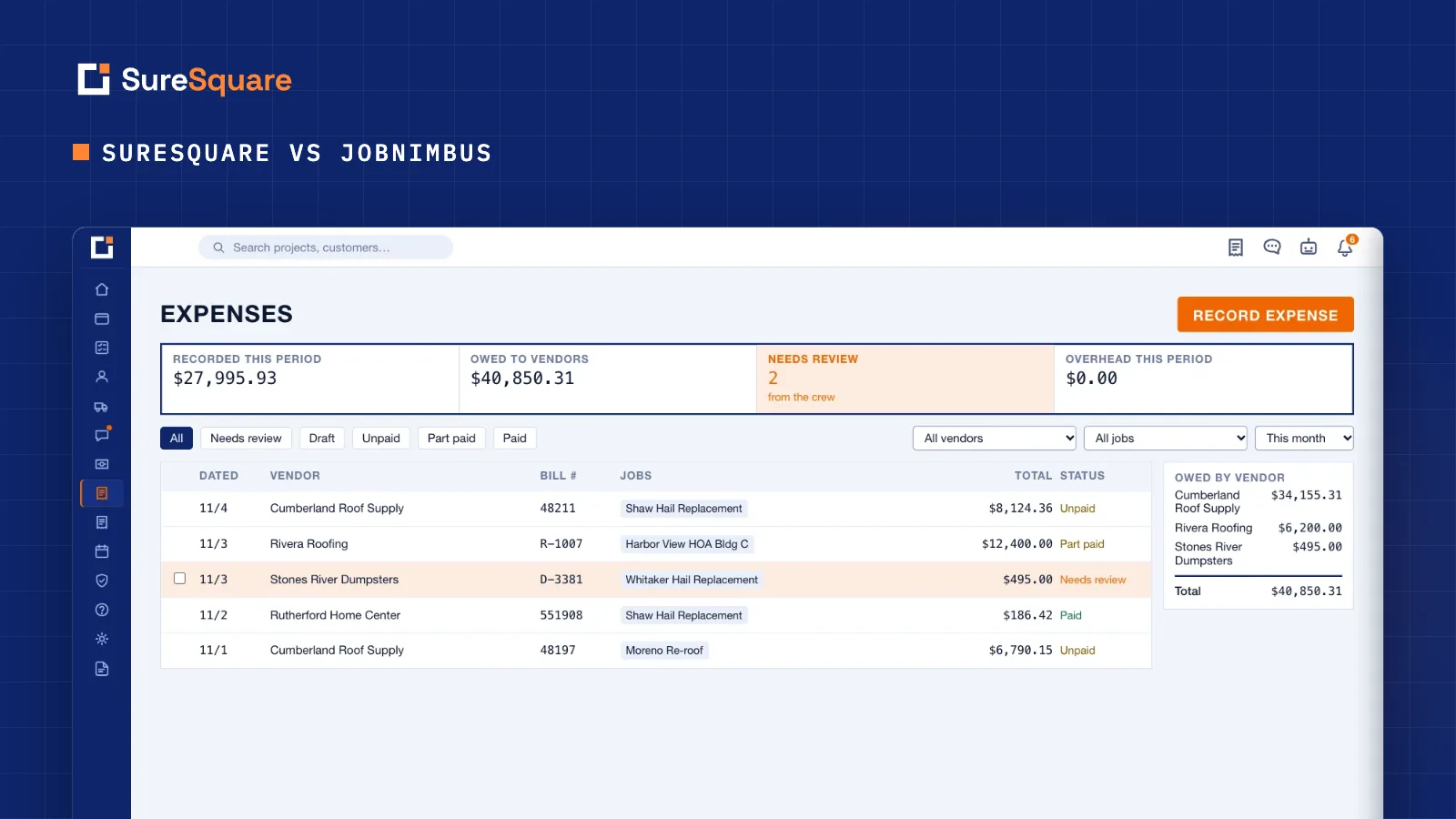
SureSquare's roofing CRM is built around that connected workflow: leads, estimates, e-signed proposals, crew scheduling, GPS timesheets, invoicing, and a customer portal in one job record. That matters because a schedule is only reliable when the scope, customer communication, and field activity are working from the same information.
Implementation also deserves scrutiny. If your current calendar has years of tribal knowledge buried in it, do not try to rebuild every old job on day one. Start with active jobs, active crews, and a defined scheduling process. Train the office first, then give foremen a simple mobile routine. The goal is not a perfect database. The goal is fewer missed handoffs next week.
A schedule earns trust when the field sees that it reflects real conditions and the office sees that updates are current. Get that right, and your crews spend less time waiting for direction and more time putting completed work on the board.